BleachBit's New Text-Based Interface: A Game Changer for Headless Server Maintenance
Introduction
The open-source system cleaning tool BleachBit has long been a favorite for freeing up disk space and maintaining privacy on Linux and Windows systems. Traditionally, it offered a graphical user interface (GUI) for interactive use and a command-line interface (CLI) for scripting. Now, BleachBit introduces a new Text User Interface (TUI) that bridges the gap between the two, making it an ideal solution for headless servers and lightweight desktop environments.

What Is the New TUI?
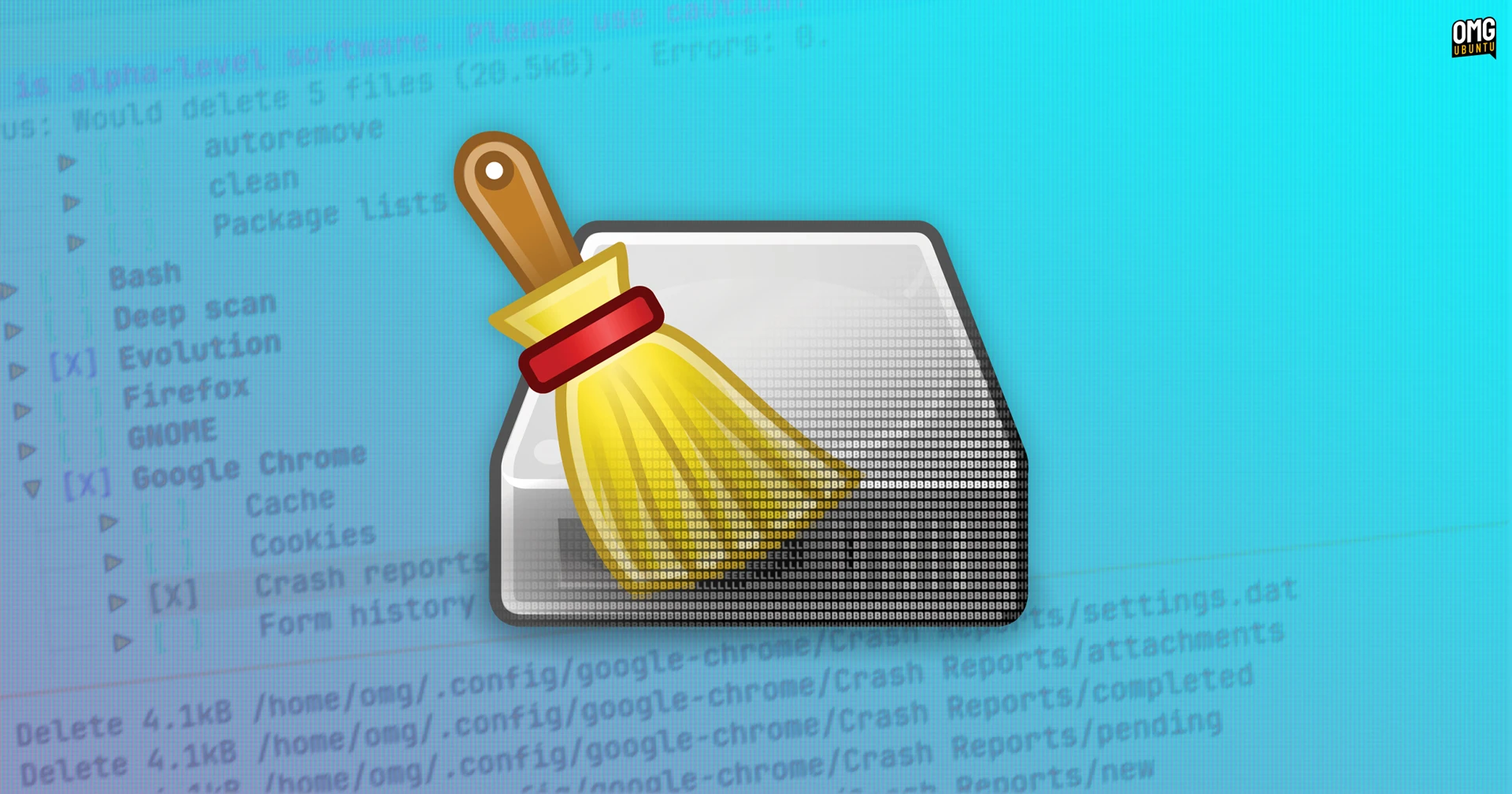
The TUI is an optional, interactive text-based frontend that runs on the same powerful backend as the existing GUI and CLI. Unlike the CLI, which is designed for non-interactive use in scripts, the TUI allows you to navigate through options, select items, preview files, and perform cleaning operations using keyboard controls. There's limited mouse support, but the interface is primarily keyboard-driven, making it fast and efficient for experienced users.
Key Features
- Keyboard navigation – Move through menus and lists using arrow keys, tabs, and shortcuts.
- Interactive preview – See what files will be cleaned before confirming the action.
- Independence from GTK – No need for the heavy GTK libraries required by the standard GUI.
- Same cleaning capabilities – The TUI employs the same core modules as the GUI, ensuring consistent results.
Who Benefits from the TUI?
The new TUI is designed for scenarios where a full GUI isn't feasible or desirable. Let's explore the primary use cases:
Headless Servers
Managing servers without a display – often called headless servers – is a common challenge for system administrators. The TUI allows you to connect remotely via SSH and run BleachBit interactively, just as you would with a local terminal. This makes routine cleaning tasks easy without requiring a separate GUI tool or scripting everything in the CLI.
Lightweight Desktop Systems
On minimal Linux installations (e.g., using LXDE, Xfce, or i3), the GTK dependencies needed by the standard BleachBit GUI can be an unwanted overhead. The TUI sidesteps this by running entirely in the terminal, keeping the system lean and saving resources.
Advanced Users and Scripting
While the CLI remains the best option for fully automated scripts, the TUI offers a middle ground: an interactive session that can be easily combined with terminal multiplexers like tmux or screen. Power users who prefer keyboard-driven workflows will appreciate the efficiency.
Current Status and Future Potential
The BleachBit TUI is currently in alpha stage, meaning it's functional but may contain bugs or incomplete features. The development team encourages users to test it and provide feedback. As open-source software, contributions are welcome. The project's roadmap hints at further improvements, including better internationalization, more customization options, and seamless integration with package managers.
Transitioning from a traditional GUI to a TUI might seem like a step backward, but for many headless systems and terminal enthusiasts, it's a welcome evolution. The ability to clean up temporary files, browser caches, and system logs with the same depth as the GUI – but without the graphical overhead – opens new possibilities for server maintenance and lightweight computing.
Getting Started with the BleachBit TUI
To try the TUI, you need a recent version of BleachBit installed (0.9.0 or later). Launch it from the terminal with the tui option:
bleachbit --tuiIf you're on a headless server, connect via SSH first. Once inside, you can navigate with shortcuts like Tab to move between sections, Space to select items, and Enter to preview or clean. Help is available by pressing F1.
Conclusion
BleachBit's new TUI is a game changer for anyone who manages remote servers or works on lightweight Linux systems. It retains the full cleaning power of the original tool while eliminating the need for a graphical desktop environment. As it matures from alpha to stable release, this interface will likely become a favorite among sysadmins and terminal purists alike.
Related Articles
- Getting Started with Sealed Bootable Container Images on Fedora Atomic Desktops
- Fedora Asahi Remix 44: A Comprehensive Q&A on the Latest Release
- Mastering Pressure Stall Information in Kubernetes v1.36: A Production-Ready Guide
- gThumb 4.0 Alpha: A Modern Makeover with New Features
- Upgrading to Fedora 44 Atomic Desktops: A Complete Migration Guide
- The Copy.Fail Linux Vulnerability: 10 Critical Facts You Must Know
- gThumb 4.0 Alpha Drops with Radical GTK4 Redesign, WEBP and Censor Tools
- German Government Fund Invests €1.28 Million in KDE's Open-Source Desktop Future