4 Lightweight Linux Distros That Breathed New Life Into My 4GB Laptop
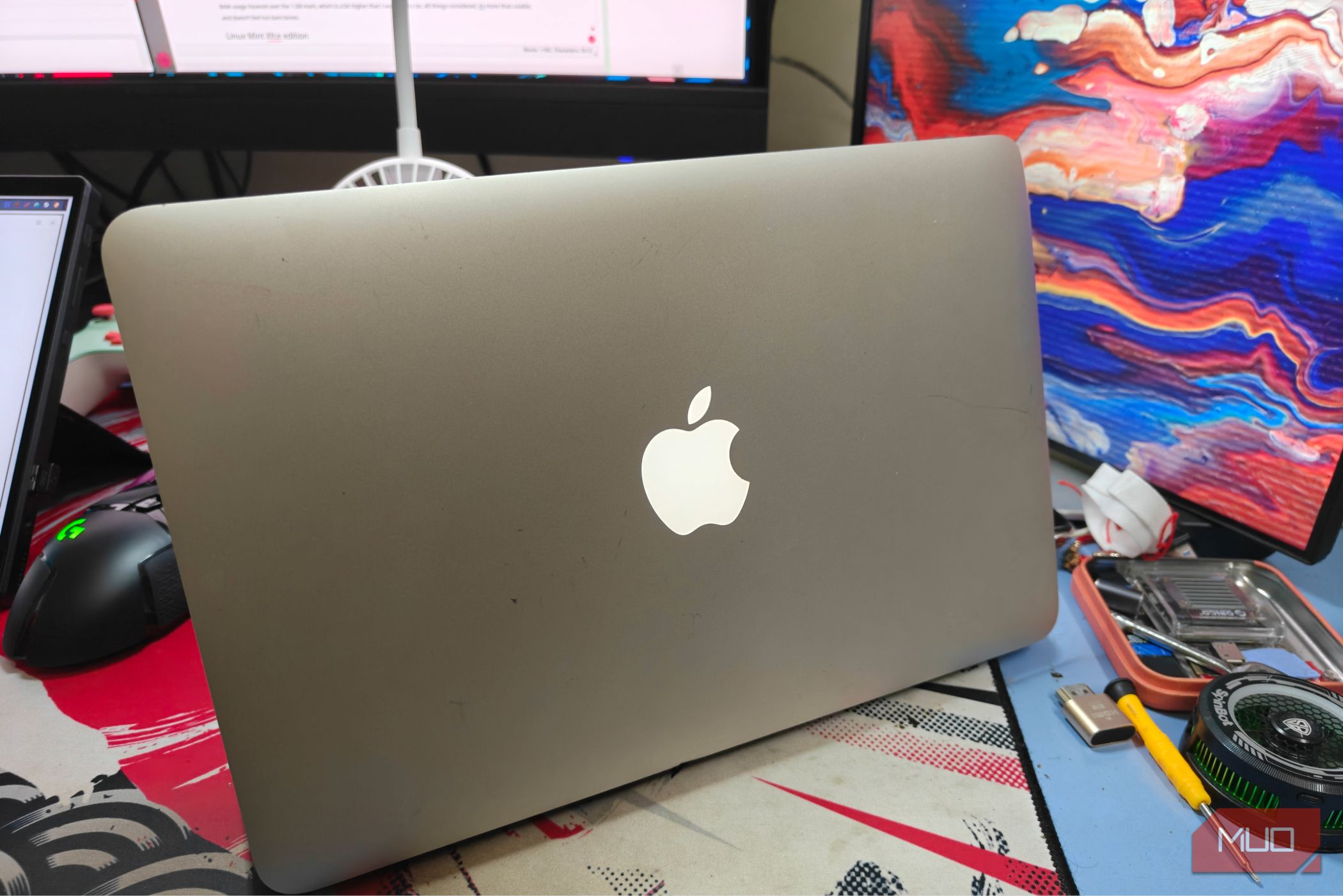
Technology marches on relentlessly, leaving older hardware in its wake. But for many of us, that trusty old laptop with just 4GB of RAM still holds sentimental value—or is simply the only machine we have. Rather than tossing it, I decided to see if lightweight Linux distributions could revive it. I tested four popular options, and one truly surprised me. Here's what I learned, and how you can breathe new life into your aging laptop.
1. Lubuntu – The Familiar Face
Lubuntu is often the first recommendation for low-RAM machines, and for good reason. It uses the LXQt desktop environment, which is both lightweight and modern. On my 4GB laptop, Lubuntu booted in under 30 seconds and offered a snappy experience for web browsing and document editing. The interface feels similar to traditional Windows, so transitioning is seamless. However, I noticed occasional lag when running multiple browser tabs or heavier apps like LibreOffice. Still, for day-to-day tasks, it's a solid choice. The Lubuntu system resource usage hovered around 400MB at idle, leaving plenty for applications.
2. Linux Mint Xfce – The Balanced Performer
Linux Mint is known for its user-friendliness, and the Xfce edition offers a near-perfect balance of polish and performance. With a RAM footprint of about 500MB at idle, it gave my laptop a fresh, modern feel without the bloat. The interface is highly customizable, and the included software manager makes installing apps a breeze. During testing, I could run a browser with 5–6 tabs, a text editor, and a music player without stuttering. The only downside was slightly slower startup compared to Lubuntu. If you want a distro that feels complete out of the box, check out Linux Mint Xfce.
3. Puppy Linux – The Speed Demon
Puppy Linux is not a traditional distribution; it runs entirely in RAM and loads in seconds. On my 4GB laptop, it booted in under 15 seconds and felt incredibly responsive even on limited hardware. The default desktop is utilitarian, but you can customize it. Puppy’s package manager is a bit arcane, and software compatibility can be hit-or-miss. However, for web browsing and basic tasks, it’s incredibly efficient. The RAM usage stayed below 300MB, even with multiple apps open. The surprise? Puppy Linux also includes a suite of tools for system recovery. For a lightweight option that prioritizes speed, Puppy Linux is hard to beat.
4. Bodhi Linux – The Minimalist Marvel
Bodhi Linux uses its own Moksha desktop, a lean environment based on Enlightenment. It surprised me the most. With a RAM footprint of just 250MB at idle, it left over 3.5GB for applications. The interface is elegantly simple but includes subtle animations and a slick theme. Performance was outstanding: I could run a dozen browser tabs, a terminal, and even lightweight image editing without slowdown. Bodhi also offers a “quick start” guide that helps new users configure the system. The only trade-off is a smaller community and fewer pre-installed apps, but the software center fills the gaps. If you want a distro that feels both minimal and premium, give Bodhi Linux a try.
In conclusion, any of these four distros can turn your 4GB laptop into a capable daily driver. My personal surprise was Bodhi Linux—it proved that a lightweight system doesn't have to sacrifice beauty or functionality. Whether you prioritize speed, aesthetics, or familiarity, there's a Linux distro ready to revive your old hardware. Don't let that laptop gather dust; install one of these and discover a second life for your machine.
Related Articles
- 10 Critical Insights into the Fast16 Malware That Preceded Stuxnet
- How to Analyze Ransomware Trends in Q1 2026: A Step-by-Step Guide
- How Early Humans Mastered the Container: A Prehistoric DIY Guide
- Google's Workspace Icon Overhaul Signals Brand-Wide Visual Shift; Fitbit Air, Samsung Glasses Also in Pipeline
- How to Free a Mars Rover Drill Bit from a Stubborn Rock
- Understanding Semantic Search: Traditional vs. Vector Approaches
- The Rise of Capacity Exchanges: How Excess Compute Could Transform Cloud Services
- Decoding Tesla's $573M Corporate Web: A Step-by-Step Guide to Uncovering Related-Party Transactions in SEC Filings