Why Spending More on HDMI Cables Doesn't Improve Picture Quality
Introduction: The Overpriced Cable Trap
If you’ve ever shopped for an HDMI cable, you’ve likely noticed a staggering price range—from a few dollars to well over $100. It’s easy to assume that a higher price tag means better performance, but that’s rarely the case. Many consumers, including a couple of my own friends, have spent $30 or more on “premium” cables in the hope of sharper images or richer colors. The truth? The cheapest HDMI cable on Amazon often delivers the exact same result as its pricier counterparts.
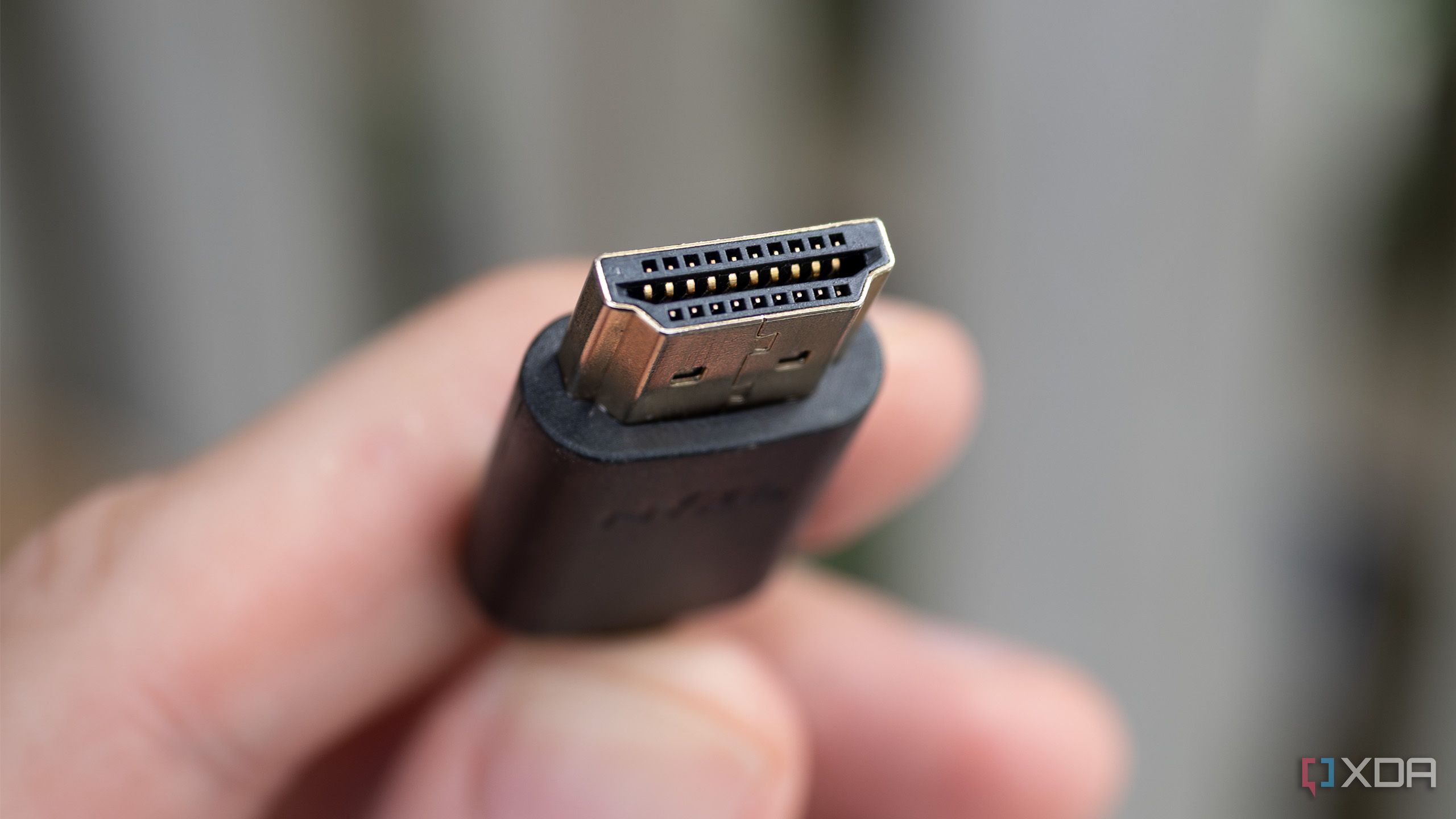
The Truth About HDMI Signals
HDMI is a digital standard. Unlike analog signals, which can degrade gradually, digital signals either work perfectly or not at all. There’s no middle ground—no “better picture” from a more expensive cable. The cable merely transmits a series of 1s and 0s. If the cable meets the required specification for your device’s resolution and refresh rate, the signal will be identical regardless of price.
This fundamental fact is often misunderstood. Marketers play on analog-era anxieties, convincing shoppers that gold plating or braided shielding can reduce interference. In reality, for distances under 15 feet, virtually any compliant HDMI cable will perform flawlessly. The only real variable is bandwidth capacity, which is determined by the cable’s HDMI version—not its price.
Debunking Premium Cable Myths
Gold-Plated Connectors
Gold doesn’t improve signal quality in digital connections. Its primary advantage is corrosion resistance, which matters in humid environments or frequent plugging/unplugging. For a stationary home theater setup, standard nickel-plated connectors work just as well.
Braided Sleeving and Build Quality
A braided exterior looks nice and may offer better physical durability, but it has zero impact on signal transmission. The core copper conductors inside matter far more. Even cheap cables use adequate copper for short runs.
“Premium Certified” Labels
HDMI Licensing Administrator offers a Premium High Speed certification, but this merely confirms that a cable meets the 18Gbps bandwidth required for 4K HDR. Many uncertified cables also meet this spec. Paying extra for a certification label doesn’t guarantee better performance—just that it’s been tested.
When Paying More Makes Sense
While budget cables work for most setups, there are scenarios where spending a bit more is justified:
- Long runs (over 25 feet): Signal may degrade over distance, so a thicker, higher-quality cable (or an active fiber optic cable) becomes necessary.
- Ultra-high bandwidth needs: For 8K at 60Hz or 4K at 120Hz, you need an Ultra High Speed HDMI 2.1 cable (48Gbps). Cheap cables may not support these rates reliably.
- Outdoor or industrial environments: Reinforced jackets and ingress protection matter for weather resistance.
In most consumer cases—gaming consoles, streaming devices, Blu-ray players—a standard High Speed HDMI cable (18Gbps) under $10 is all you need. My friends who overspent on $30 cables saw zero difference when they switched to a $6 alternative.

How to Choose the Right HDMI Cable
- Check your device’s requirements: Look for the HDMI version (1.4, 2.0, 2.1) and resolution/refresh rate needs.
- Match the cable standard: For 1080p, any HDMI cable works. For 4K, choose a “High Speed” cable. For 8K or 4K@120Hz, get “Ultra High Speed” (48Gbps).
- Ignore marketing buzzwords: “Gold”, “braided”, “premium” are irrelevant for signal.
- Read reviews: Look for verified buyers confirming the cable works with their specific hardware.
- Buy from trusted brands: AmazonBasics, Monoprice, or Cable Matters offer reliable options at low prices.
Remember: HDMI cables are not like audio cables. There’s no “warmth” or “detail” to be gained from spending more. The signal is binary.
Conclusion: Save Your Money
The next time you’re tempted by an expensive HDMI cable, recall this: the cheapest cable that meets your bandwidth needs will perform identically to one costing ten times as much. My friends learned this lesson after swapping their $30 cables for $6 alternatives—and seeing the same crisp picture. Don’t fall for the overpriced cable trap. Invest that saved money into better speakers, a larger screen, or streaming subscriptions instead.
Related Articles
- Microsoft Releases Earliest DOS Source Code to Public on 45th Anniversary
- Python 3.15 Alpha 2: What Developers Need to Know About the Latest Preview
- 8 Key Insights into Python 3.15.0 Alpha 2: What Developers Need to Know
- Scaling Harmony: A Developer's Guide to Coordinating Multiple AI Agents
- 7 Essential Insights into Python 3.15 Alpha 4: What Developers Need to Know
- Spotify Unveils AI-Powered Conversational Ads Manager Using Claude Code Plugins
- JavaScript's Date Nightmare Finally Gets a Fix: Temporal API Promises to End Time-Based Bugs
- Your Guide to the Relocated Python Insider Blog: Q&A